
First identify the problem: customers cannot understand the offer, mobile navigation is difficult, the form fails, or staff cannot maintain the site. The right response may be a focused repair, a new layout on the existing platform or a more substantial rebuild.
Describe what a customer cannot do
“The website feels dated” is a starting concern, not a complete brief. Try a concrete task on your phone: find the right service, understand where you work, compare options and send an inquiry. Ask a colleague who answers customer questions what people regularly misunderstand.
Look at relevant landing pages, not only the homepage. A strong-looking front page will not fix a confusing service page or a form that never reaches the inbox. If search visits are healthy but inquiries are weak, review the traffic-without-leads checklist before assuming the entire site needs replacing.
Also check whether the apparent decline is in the website or its measurement. A changed analytics setup, a seasonal dip or fewer searches can make a redesign look like the answer to a different problem.
Choose the smallest scope that solves the real problem
These illustrative situations help separate three kinds of work. The condition of your actual site and the changes you need will determine the scope.
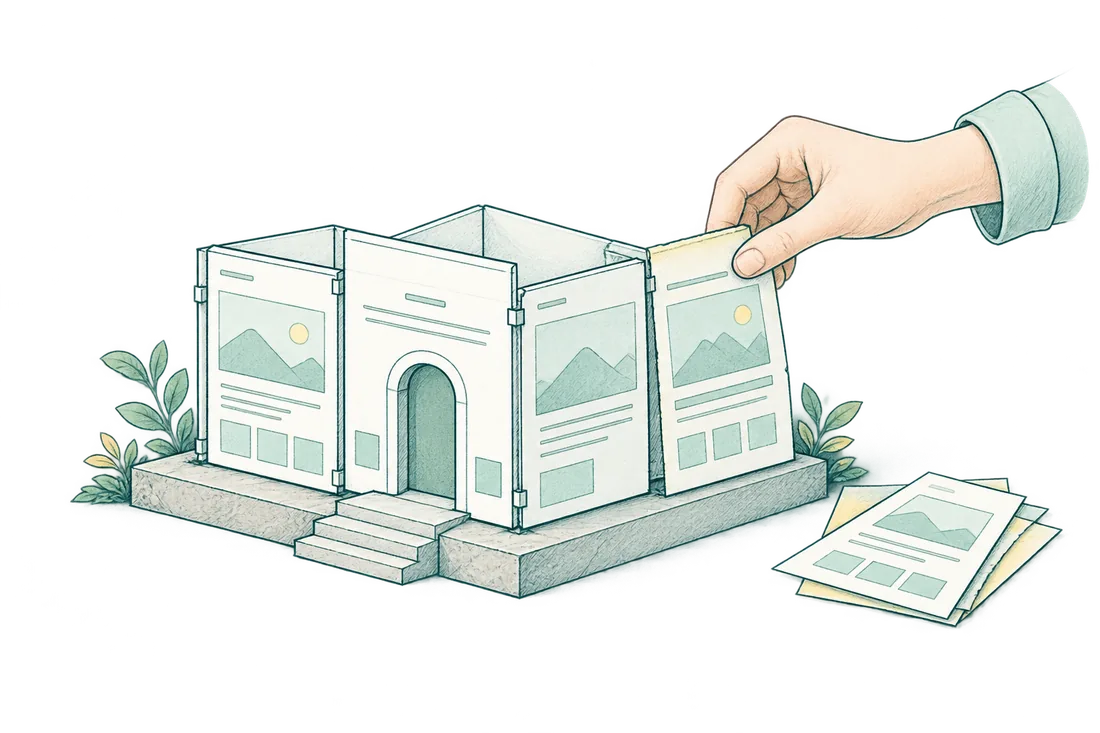
Make a keep list before the design starts
Save the pages that already answer useful searches, earn links or help customers make a decision. Record their URLs, purpose, approved claims and required assets. Add the contact forms, phone routes, confirmation messages and essential integrations.
Ask who owns the domain, hosting, CMS, analytics and email destination. A new design should not leave your business dependent on access nobody can recover. Check which photographs, fonts and plugins you can continue using.
| Preserve or review | Why it belongs in the brief |
|---|---|
| Important URLs and content | Existing customers, search results and other sites may point to them |
| Useful buying answers | A shorter new template should not erase the details customers need |
| Forms and confirmations | The complete inquiry path must keep working |
| Consent and measurement | New templates should respect the existing privacy choices and agreed events |
| Editing access | Staff need to make normal updates after handoff |
A content audit can identify what to retain when the existing library is too large to review from memory.
Give the designer real content and a clear next step
Choose a small number of representative pages before approving the design: a service page, a useful article, a contact page and any more complex customer flow. Review them with realistic headings and images, not placeholder text that always fits.
The middle of an article matters as much as its opening. Use readable paragraphs, helpful comparisons, visible subheadings and illustrations that explain the work. Buttons should say what happens next. A local service business may need “Request an estimate”; it does not automatically need an online booking system.
Check at narrow mobile widths with the menu open, tables expanded and long service names present. Important content must remain readable without a hover interaction. If a proposed layout looks impressive but makes it harder to understand the service, revise the layout before adding more decoration.
Keep the URL unless there is a reason to change it
A visual redesign can often keep existing page addresses. If an address changes, map the old URL to the most relevant new destination and test the redirect. Do not send every old article to the homepage.
Google's site-move guidance covers URL mapping, permanent redirects and updating internal links. Use a migration checklist when changing domains, platforms or paths; it is a separate workstream from choosing colors and spacing.
Before launch, check the live site's status codes, crawl permissions, canonicals, language links where relevant and sitemap. A staging noindex setting left in production can undo a good design. Search visibility after a significant move may fluctuate, so save the baseline and change dates.
Compare proposals by what will actually be delivered
Ask which pages receive original research and copy, how existing material is reused, how many shared layouts are included and what your staff will be able to edit. Confirm the design approval points and revision rounds.
Separate hosting, domain costs, paid licenses, content migration and advanced features such as payments, scheduling or CRM integration. A quote for a simple lead-generation site is not comparable to a custom business application.
My WordPress website scopes cover researched copy and editable page layouts within defined page and article limits. Redesigning an existing site may involve additional migration or integration work, so I would review that before confirming the scope. For focused changes on a usable WordPress site, WordPress SEO support may be the better fit.
Approve a working customer journey, not just screenshots
Before launch, follow the complete inquiry route on mobile and desktop. Check validation, confirmation and actual email delivery with an agreed test. Test any booking, payment or customer-login integration separately.
Have the business owner or editor make a normal content update. Save a backup and rollback route, then verify production after publishing. Keep a short list of what changed and anything still outstanding.
Afterward, watch the relevant landing pages and genuine inquiries against the baseline. A cleaner layout is a completed design improvement; more customers is an outcome that still needs evidence.
Before you approve the redesign
- Export existing URLs and record organic landing-page performance, qualified leads, and the mobile call or estimate-request journey.
- Map changed URLs to relevant 301 destinations and verify that valuable content and internal links survive the redesign.
- Verify that launch settings remove staging-only crawl blocks and noindex rules; test mobile calls, forms, and lead tracking.
Questions before a website redesign
Can I redesign my website without losing its Google visibility?
You can reduce migration risk by keeping useful content, search intent, and existing URLs where they still make sense. For changed URLs, use relevant 301 redirects and update internal links, sitemaps, and canonicals. After launch, inspect important pages in Search Console and monitor both organic landing-page performance and qualified leads.
How do I know whether I need a full rebuild or smaller fixes?
Consider a rebuild when recurring platform or template limitations make routine updates and reliable mobile inquiries difficult. If the site is technically sound and the main problems are weak service copy, confusing navigation, or broken forms, targeted improvements may be enough. Diagnose those problems before choosing a new theme or platform.
What should the redesign proposal include besides the new design?
Ask for the page and template inventory, content responsibilities, redirect mapping, analytics setup, and a launch checklist. The developer should own URL behavior and technical release checks; the editor should confirm copy, service details, and calls to action. Test where each call, form, or estimate request goes—not just whether the button works.