
Shopify may suit a team seeking less infrastructure work. WooCommerce may suit one that needs more customization and has dependable WordPress support. For an existing store, first establish what needs fixing before deciding to migrate.
Compare the recurring SEO work
Shopify’s SEO overview describes built-in canonical tags, sitemap and robots.txt generation, plus editable titles, descriptions, and image alt text. Those defaults do not write useful category copy or decide which searches your store should serve.
| Responsibility | Shopify | WooCommerce |
|---|---|---|
| Metadata and content | Built-in editing; merchant supplies content | WordPress tools and extensions; merchant supplies content |
| URL structure | Platform-defined routes with editable handles | More permalink configuration; changes need testing |
| Canonicals and filters | Check defaults, apps, and filtered pages | Configure and test theme/plugin behavior |
| Infrastructure | Managed hosting; theme and app choices still matter | Hosting, updates, backups, and security need an owner |
| Multiple markets | Verify language, URL, and market setup | Plan translations, URLs, and supporting extensions |
| Ongoing cost | Subscription, apps, theme, implementation | Hosting, maintenance, extensions, development |
Test product, filter, and language URLs
WooCommerce’s permalink documentation explains product and category URL options. Extra control is useful only when someone can maintain it. Changing an established structure creates redirect work.
Canonical tags signal a preferred URL among similar pages; they do not replace a plan for which filtered pages should appear in search.
Ask a supplier to demonstrate:
- One product, its category, and the internal links connecting them.
- Size/color filters and sorting: which resulting URLs should search engines index?
- A translated product, its language URL, and localized content.
Example: A “waterproof hiking boots” category may serve a distinct search intent; every size-and-sort combination usually does not need a search landing page.
Already running Shopify? The next step is an audit of the actual store, not another platform comparison. For Google product listings, inspect page and feed consistency as a separate workstream.
When comparing Shopify and WooCommerce, use an ecommerce SEO assessment to evaluate catalog scale, URL controls, and the work required to maintain useful product and category pages. For the WooCommerce side, review WordPress SEO alongside the duplicate product descriptions guide to separate platform constraints from content problems that can affect either store.
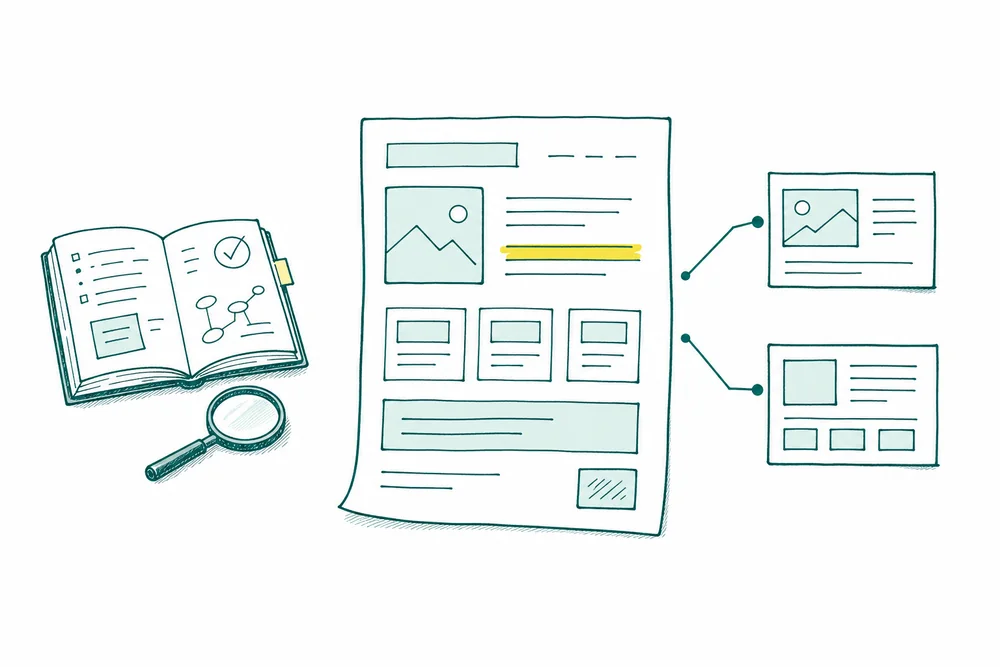
Compare the work your store actually needs
Choose the platform after checking catalog structure, URL control and who will maintain the store. Both need useful product and category pages.
An example plan to adapt to your business
| Decision | Shopify: inspect this | WooCommerce: inspect this |
|---|---|---|
| Who owns maintenance? | Confirm which theme and app changes the team can maintain within a hosted platform. | Name the person responsible for hosting, updates, backups and plugin conflicts. |
| Category and product URLs | Review collection/product routes, collection-context product links and the canonical output. | Review product/category permalink settings and how the theme links to products. |
| Filters and variants | Inspect the actual theme and apps: URLs, canonical tags, internal links and rendered content. | Inspect filters and variation URLs together with the SEO plugin and any filter extension. |
| A migration from another store | Map old URLs to relevant new destinations and check redirects after import. | Map URLs before changing permalink settings; verify redirects and update internal links. |
| Publishing useful content | Check the templates available for collections, product information and buying guides. | Check whether the chosen editor and templates make the same content easy to maintain. |
An example page plan
/collections/linen-beddingShopify collection exampleCheck that the main menu links to the chosen collection and the page explains the range.
/products/linen-duvet-coverShopify product exampleInspect collection-context links, the declared canonical and the URL in the sitemap.
/product-category/linen-bedding/WooCommerce category exampleConfirm the configured category base and keep category links consistent.
/product/linen-duvet-cover/WooCommerce product exampleConfirm this against the actual permalink setup before planning any URL change.
?filter_color=blueA filter to investigateFollow the rendered link and inspect response, canonical, indexing rules and whether the filtered view deserves a search landing page.
Before moving platforms, audit a category, a product with variants, a filtered view and one discontinued product. Those four examples reveal more than a generic platform score.
Budget for ownership and verify integrations
WooCommerce’s core software is free, not the complete operating store. Compare an annual budget covering setup, hosting where applicable, subscriptions, extensions, maintenance, payment processing, and development. Ask: Who handles failures? Which costs grow with sales or catalog complexity?
For a US store, test the actual payment provider, tax workflow, shipping labels, returns, and accounting handoff. Do not assume a gateway is available everywhere or that transaction-related costs are zero.
A service-business WordPress website package is not an ecommerce build. Catalog, checkout, integrations, and migration require an explicitly agreed scope.
Treat migration as a separate project
Use Google’s site-move guidance as a checklist. Shopify’s redirect documentation also describes restrictions involving live paths, reserved paths, and query strings. Test real source URLs rather than promising every old address can be redirected identically.
Before launch - Export important product, category, article, and image URLs; record organic landing pages and sales measurements. - Map each retiring URL to its closest relevant destination; avoid sending everything to the homepage. - Test redirects, canonicals, internal links, sitemap entries, language versions, and checkout on staging. - Assign launch approval, backups, and a rollback plan.
After launch - Verify redirects, status codes, indexability, analytics, and purchase tracking on the live domain. - Submit the sitemap and monitor Search Console indexing, errors, traffic, and revenue by page group. - Retest high-value pages and keep redirects in place rather than treating them as a launch-day task.
Migration is a separate decision, not a routine SEO fix.
Diagnose weak traffic before rebuilding
Separate visibility problems from sales problems. Are important pages indexed? Did impressions or clicks change? Do organic visits still lead to purchases? Compare product and category groups instead of relying only on total traffic.
A technical SEO review can examine crawl access, canonicals, performance, and template issues. If the current platform supports the required fixes, improving content, navigation, or templates may be a more proportionate investment than rebuilding.
Get help defining the next step
I can help define your ecommerce SEO priorities and distinguish platform constraints from implementation problems.
Review the SEO audit scope and current pricing before deciding whether it fits. Through the contact page, send your store URL, platform, main market, current integrations, and the problem you want to solve. We can use that information to choose a clear next step.