Crawling and indexing
Check access rules, server responses, sitemap URLs and Search Console findings. Separate pages missing from the index from indexed pages that simply rank poorly.
SEO services
If important pages are missing from Google, loading slowly or losing traffic after a site update, I investigate the cause and help make and check the necessary fixes.
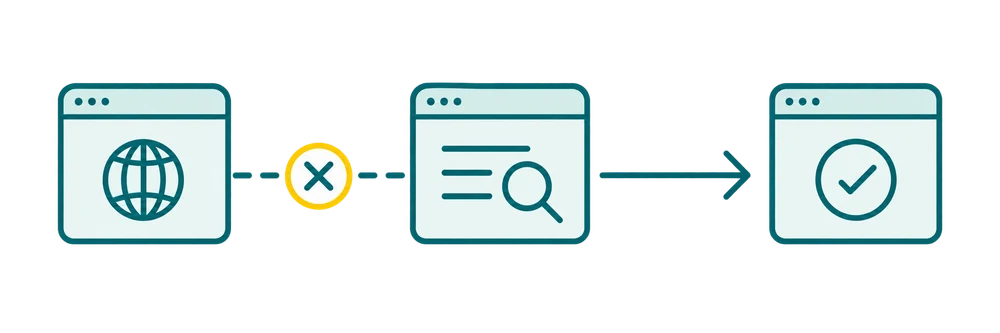
Send an example URL and what you’ve noticed. You don’t need to diagnose the problem or book a call first.
01
Technical SEO work checks whether search engines can reach and understand the pages you want people to find. The audit follows your site and its problems; it is not a list of every warning an SEO tool can produce.
Check access rules, server responses, sitemap URLs and Search Console findings. Separate pages missing from the index from indexed pages that simply rank poorly.
Review how important pages are reached from navigation and related content. Identify broken destinations and useful pages that have few or no internal links.
Compare preferred URLs, duplicate versions, redirect chains and old-to-new page mappings. Look for conflicting signals before changing or removing addresses.
Check whether important text and links are available after scripts run. Investigate access or rendering problems on representative page types.
Assess loading (LCP), responsiveness (INP) and layout movement (CLS). Distinguish real-user data, where available, from a single lab test.
Review relevant markup against the visible page. Identify errors and missing required information without treating schema as a ranking shortcut.
02
The same symptom can have different causes. A page may be absent from Google because of an access setting, a conflicting URL signal or reasons beyond technical SEO. A traffic drop can also reflect changing demand, content competition or a search-system update. I compare the available evidence before assigning a cause.
The table below is an illustrative guide to how a question becomes a specific piece of work—not a diagnosis of your site.
| What you’re seeing | What I investigate and deliver |
|---|---|
| Important pages are not on Google | Check live access and indexed-state data; identify affected URLs, supported findings and the next checks. |
| Traffic fell after a redesign | Compare affected pages with the release and old-to-new URLs; prepare a correction plan for confirmed migration problems. |
| Mobile pages load or respond poorly | Examine representative templates and available performance data; specify the change, owner and verification method. |
| Google shows a different version of a page | Compare duplicate content, canonical signals, internal links and sitemap entries; document which signals need to agree. |
A canonical tells Google which version you prefer; it is a signal, not an absolute instruction. Likewise, not every 404 response is a problem that needs a redirect. I check the intended use and links first.
For more background, see why a website may not appear on Google or the website migration checklist.
03
You receive a short decision summary and a working list your team can act on. Each finding connects the observation, the change and the check. Priorities consider the affected pages’ commercial importance, the evidence and the implementation effort.
Illustrative developer task:
| Field | Example handoff |
|---|---|
| Affected pages | Service pages using the same template |
| Observation | The contact link points to a retired URL that returns 404 |
| Requested change | Update the shared link to the current contact page |
| Who implements it | The person responsible for the template |
| Completion check | Verify the destination and test the link on representative pages |
| Follow-up | Record the release date and monitor the affected landing pages |
For indexing investigations, the record also includes the inspected URL, inspection time, crawl information and canonical observations. Open questions stay visible beside the evidence needed to resolve them.
The SEO audit deliverables guide explains how to turn a finding into an assignable task. It helps you compare audit proposals and judge whether a report is ready for your team to use.
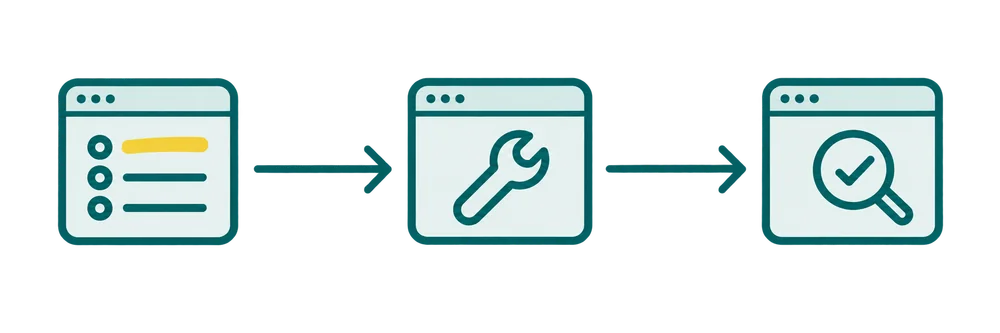
Record what matters, who will do the agreed work, and how completion will be verified on the live URL.
04
You can hire me for an audit without handing over development. If your team implements the fixes, I provide clear instructions and review the SEO aspects of the result. For broader dashboard and page work, see my WordPress SEO services.
Decisions, completed fixes and items waiting on your team are shared in writing. High-impact changes need an agreed backup, testing and recovery approach.
05
I check the published behavior first: the intended URL loads, key content is present and the affected links or settings work. A change to a shared template gets checks on more than one page.
For an indexing issue, I then compare the live result with Search Console’s indexed-version information. The handoff records both dates so you can see whether Google’s last crawl predates the fix. If the page is accessible but remains unindexed, the next investigation may include content usefulness, competing URLs and discovery.
For speed work, I identify the affected template and interaction. An image loading late calls for different work from a form responding slowly. My WordPress speed and Core Web Vitals guide explains how real-user evidence and diagnostic tests inform those decisions.
Where follow-up is included, the change record sits alongside search visits and correctly measured inquiries or sales. That gives your team a clear account of what shipped and what happened afterward.
06
I have more than 10 years of SEO experience, including agency work at GroupM Istanbul. I work directly with business owners, marketing teams and developers to turn findings into clear tasks and review the published changes.
The example below comes from Supplement Explained, my own ongoing publishing project. It shows the content requirements, implementation record and release checks together, so you can see how a recommendation becomes a checked page.
Illustrative priority table, not findings about your website.
| Finding | Page | Change | Check |
|---|---|---|---|
| Incorrect canonical | Service template | Use the intended URL | Compare HTML and URL Inspection |
| No contextual internal links | Service page | Link from the hub and relevant guides | Check links and recrawl |
An example from my work
Edited implementation summary · Supplement Explained · July 2026
These formats are adapted to the agreed scope; they are not published client documents.
Illustrative working template
Sample handover format, ready to fill with your site findings.
07
Either arrangement is possible. The proposal states which fixes I will implement, which require your team and whether release checks or ongoing monitoring are included. An audit is not automatically a complete development project.
Yes. We can start with affected URLs and the available Search Console information rather than auditing everything. If the issue turns out to involve a wider template, site structure or content decision, I’ll explain that before expanding the work.
The estimate depends on the site’s size and platform, page types, investigation depth and whether implementation or follow-up is included. A focused diagnosis, migration review and full audit are different scopes. I provide a written estimate after reviewing the starting information.
I agree on a delivery plan after confirming the scope and access. Audit delivery, developer implementation and Google processing are separate stages. Urgent blockers can be raised before the full report is finished; they don’t need to wait for every check.
Yes. I can review URL mapping, redirects, indexing controls, links and relevant page output before and after launch. Your developer remains responsible for the code and deployment; I define and check the agreed SEO requirements.
It can remove barriers, but it cannot guarantee selection. Google requires a page to be indexed and eligible for a search snippet to appear as a supporting link in its AI features. The page still needs useful, relevant content; there is no special AI Overview schema to install.
Then I’ll say so. If the important pages are accessible and indexed, the next work may be improving content, matching search intent or building authority. I won’t invent technical tasks to make the audit look longer; we can discuss a separate content optimization scope if that is the stronger priority.
08
Share the website, an affected page and when you first noticed the issue. If you’re planning a redesign, mention the intended launch and platform. That is enough to define a sensible starting point; don’t send passwords in the first message.
Describe your technical SEO project or email umitkaratay@gmail.com.
Get help with a technical SEO problemIllustrative deliverable excerpt
Findings connect Search Console’s indexed record and last crawl date with crawl exports, HTTP responses, and rendered-page checks. Each ticket identifies the affected URL pattern, the responsible template or rule, an owner, and the acceptance check needed to close it.
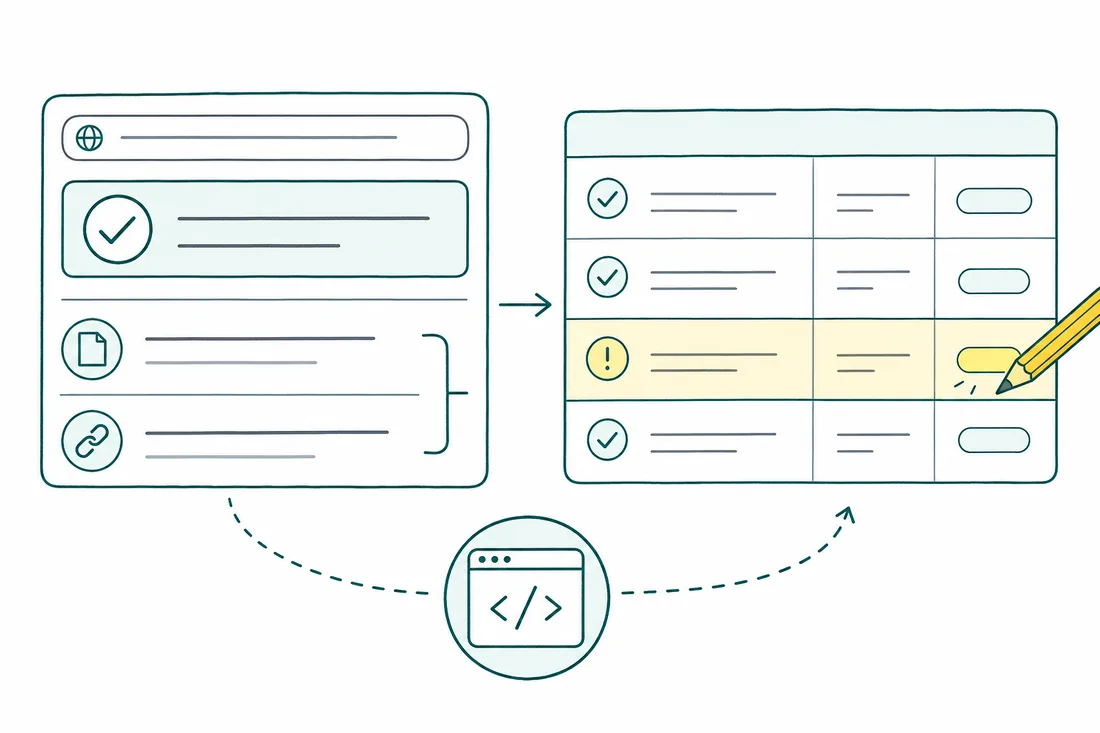
| Observed signal / URL pattern | Root cause | Action & owner | Verification check |
|---|---|---|---|
?sort=price URLs declare themselves canonical, while Search Console reports 'Duplicate, Google chose different canonical' and selects the clean category URL. | The sort-only template emits self-referencing canonicals, and internal links distribute signals across equivalent versions. | SEO: separate sort-only URLs from useful filter landing pages. Developer: point sort-only canonicals and internal links to the clean category URL. | Compare initial HTML and rendered canonical values with internal links and the sitemap. Use the live test for current access and rendering; recheck Google-selected canonical in the indexed record after recrawl. |
| Sitemaps and navigation link to retired URLs that redirect through an intermediate legacy slug. | Migration redirects were added, but the CMS still generates old links and sitemap entries. | Developer: update generated links and sitemaps to final HTTPS URLs; send each replaced URL directly to its relevant permanent destination. | Fetch old and final URLs. Confirm a single permanent redirect, a final indexable HTTP 200 page, and agreement between its canonical, sitemap entry, and internal links. |
| The crawler records HTTP 200, but Search Console reports 'Soft 404' for an active service page. | Rendered-page inspection shows that a failed client-side request leaves the main content area empty. | Developer: fix the request and serve essential service content in the initial HTML. SEO: confirm the page still represents an active service. | Compare response HTML with the rendered page on mobile. Confirm useful service content loads without interaction, then review the indexed status after Google recrawls. |
Use the SEO audit deliverables guide to define the handoff, the faceted navigation guide to plan parameter rules, and the hreflang guide to check language-version signals.
Understand which searches lead to visits and useful inquiries.
Research search intent, competing pages and content opportunities.
Investigate URLs, redirects, rendering and page loading.
Turn research into copy and changes, with source checks and editorial review.
Practical guides
Understand the problem, compare your options and choose the right support.
Learn what makes an SEO audit useful: specific findings, clear priorities, implementation responsibilities and checks that show whether a fix was completed.
Read the guideSeparate real backlink risks from scraper noise, recover broken targets, and review agency link building before disavowing.
Read the guideSeparate useful search landing pages from filter combinations that only multiply URLs.
Read the guide